
Recovery से पहले फैलाव रोकें
USB और PC से shortcut virus कैसे हटाएँ
अगर pen drive के folders shortcut बन गए दिखें, उन्हें खोलें नहीं। पहले drive, फिर computer scan करें और files अंत में restore करें।
तुरंत delete या format क्यों नहीं करना चाहिए
ऐसा malware असली folders को hidden और system बना सकता है और उन्हीं नामों के .lnk बना देता है। Double-click करने पर folder से पहले script चल सकती है। लेकिन केवल एक broken shortcut infection साबित नहीं करता।
1. अलग रखें
दूसरी removable drives निकालें और suspect pen drive को अन्य PCs में न लगाएँ।
2. पूरा scan करें
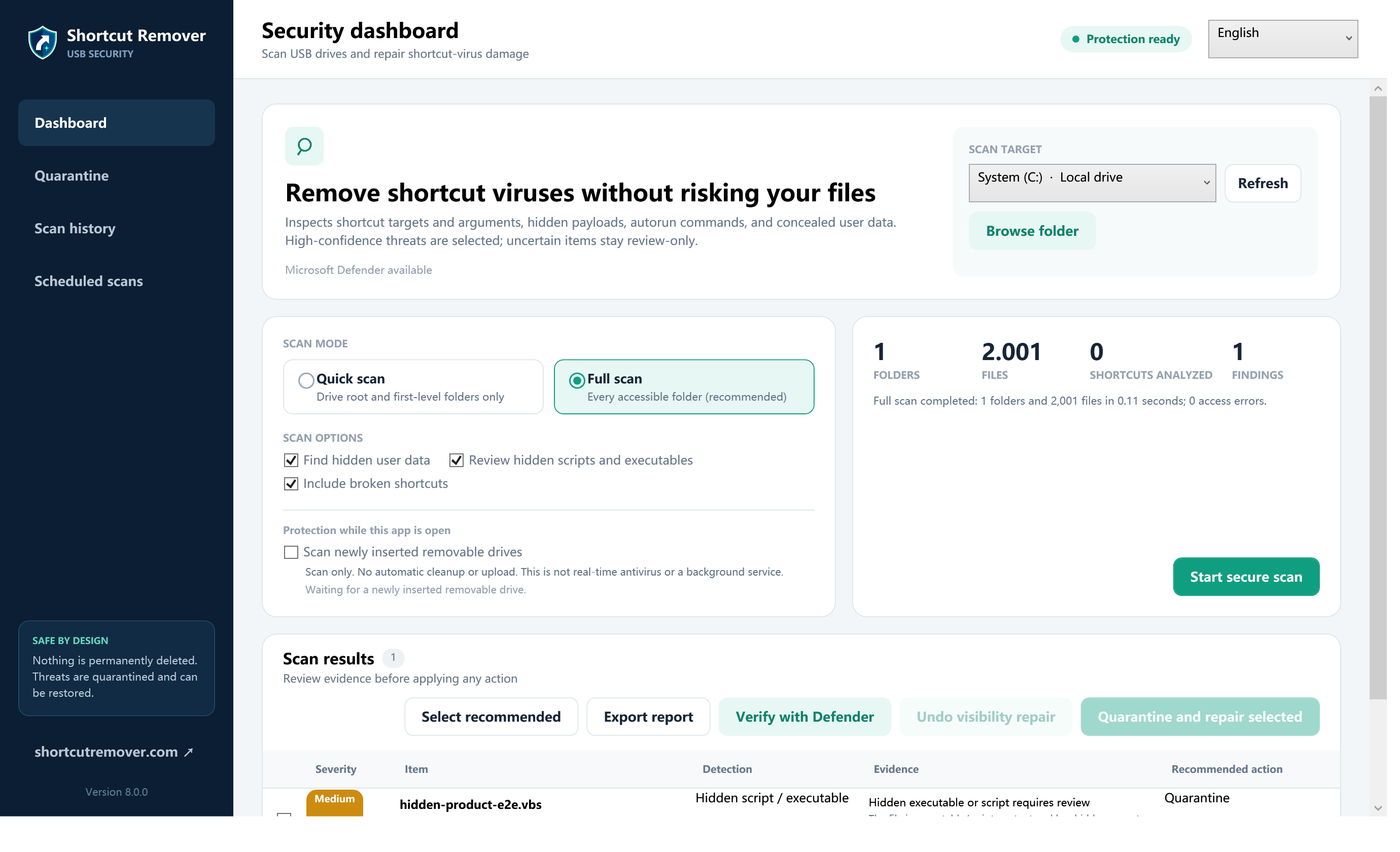
ऐसा full scan चलाएँ जो files, folders और errors की संख्या बताए; Defender भी चलाएँ।
3. Data वापस लें
सही वजह वाले suspect shortcuts quarantine करें, original data दिखाएँ और known documents copy करें।
सुरक्षित तरीके से काम करने का सही क्रम
- अचानक दिखे अनजान shortcut पर double-click न करें।
- पहले USB drive को scan करें, फिर उस Windows PC को जाँचें जहाँ वह लगी थी।
- कुछ बदलने से पहले target, arguments और drive letter की पुष्टि करें।
- संदिग्ध item को तुरंत permanently delete करने के बजाय पहले quarantine करें।
- Scan पूरा होने के बाद files को फिर से visible करें और जरूरी documents को clean storage में copy करें।
जरूरी बात: attrib command files को visible कर सकती है, लेकिन चल रहे malware को हटाती नहीं। किसी video में दिखा drive letter बिना जाँचे इस्तेमाल न करें।
भारतीय Windows users के लिए आम शब्द
Windows Security खोलें → Virus & threat protection → Scan options। File Explorer में पक्का करें कि USB E:, F: या कोई दूसरा letter है। YouTube tutorial में दिखा letter सीधे न अपनाएँ।