
Version 8.0.0 · Windows x64
Windows के लिए Shortcut Remover 8.0.0 डाउनलोड
Installer केवल shortcutremover.com से डाउनलोड करें और जरूरत पड़ने पर published SHA-256 से मिलाएँ।
Windows app में क्या मिलता है
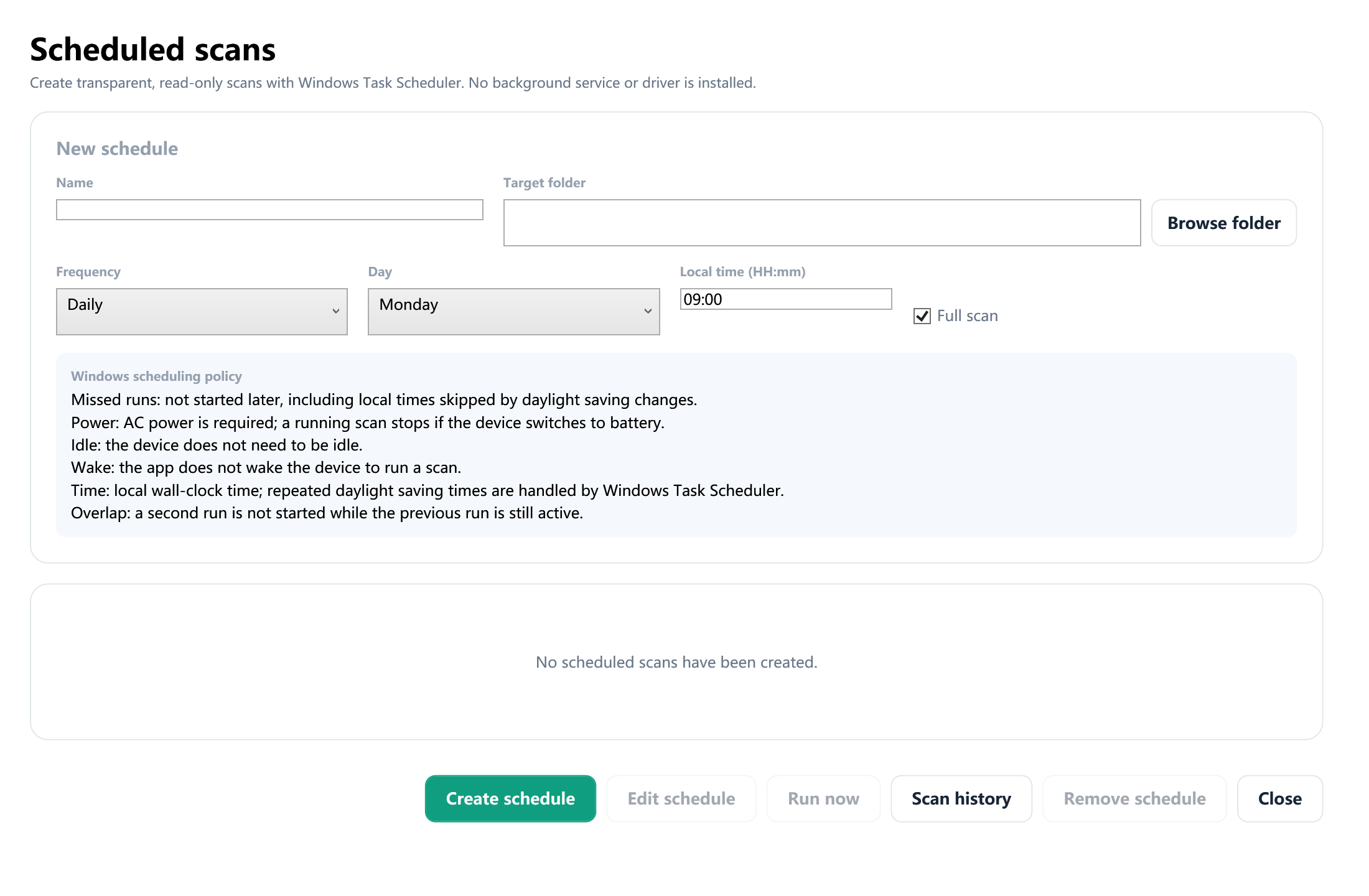
Quick और full scan, explained findings, quarantine, restore, hidden-file visibility repair, scan history, schedules और exact allow list उपलब्ध हैं। Reports और quarantined files PC पर ही रहती हैं।
Compatibility
64-bit Windows 10 और 11; admin permission केवल protected action के समय।
Privacy
File names, paths, command arguments और hashes analysis के लिए website पर नहीं भेजे जाते।
Transparent report
Coverage, access errors, safety limits और final completion status दिखते हैं।
सुरक्षित तरीके से काम करने का सही क्रम
- अचानक दिखे अनजान shortcut पर double-click न करें।
- पहले USB drive को scan करें, फिर उस Windows PC को जाँचें जहाँ वह लगी थी।
- कुछ बदलने से पहले target, arguments और drive letter की पुष्टि करें।
- संदिग्ध item को तुरंत permanently delete करने के बजाय पहले quarantine करें।
- Scan पूरा होने के बाद files को फिर से visible करें और जरूरी documents को clean storage में copy करें।
जरूरी बात: attrib command files को visible कर सकती है, लेकिन चल रहे malware को हटाती नहीं। किसी video में दिखा drive letter बिना जाँचे इस्तेमाल न करें।
भारतीय Windows users के लिए आम शब्द
मौजूदा installer पर commercial code-signing certificate अभी नहीं है, इसलिए Windows SmartScreen warning दिखा सकता है। यह बात साफ लिखी गई है; domain और SHA-256 फिर भी जरूर verify करें।