
Windows 10 और 11 की practical guide
Shortcut virus या सिर्फ broken shortcut?
Shortcut न खुलना अपने-आप virus नहीं है। Target, arguments, संख्या और creation time ज्यादा उपयोगी clues हैं।
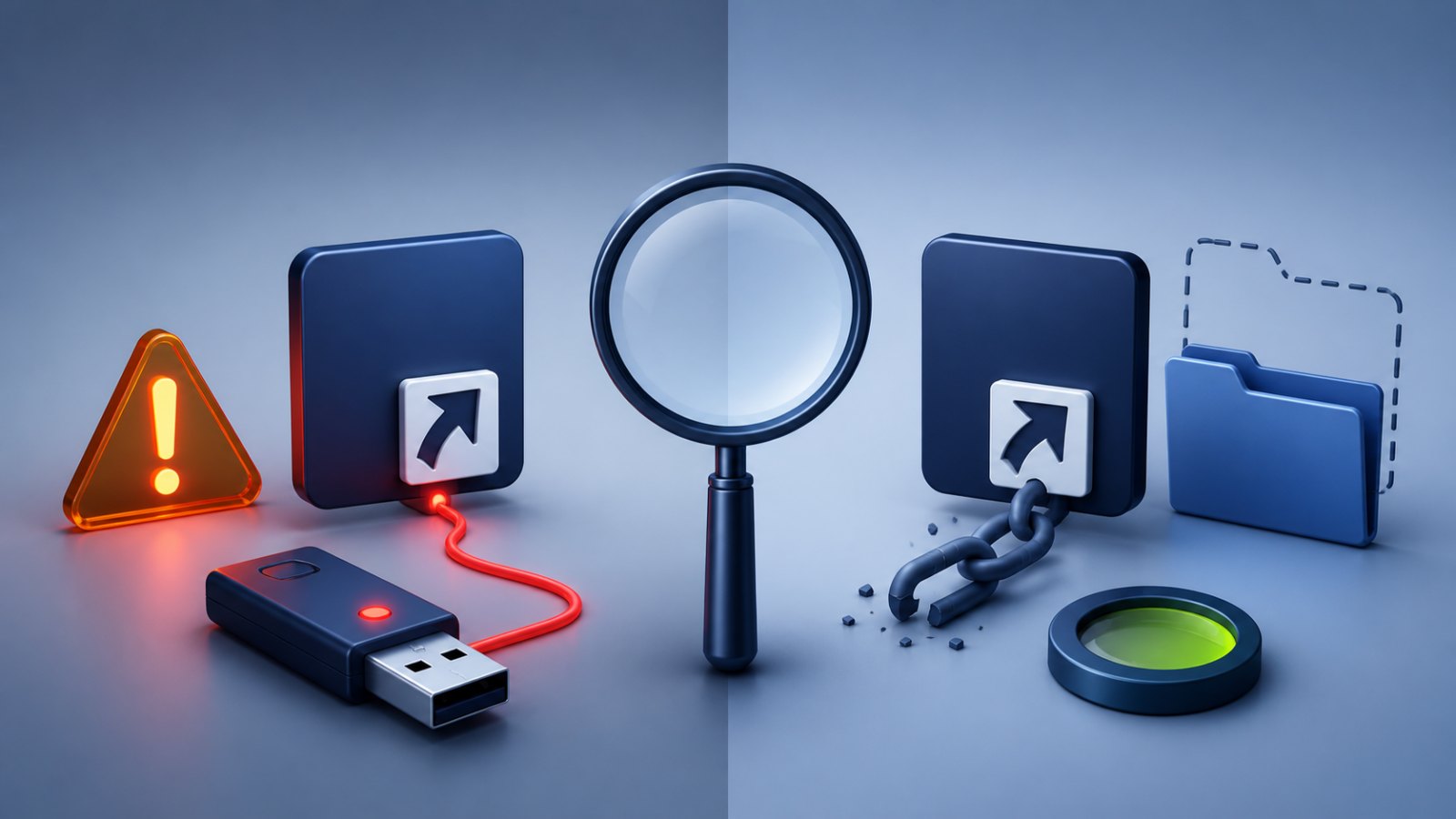
पहले समझें कि यह संकेत क्या बताता है
Program uninstall, move या rename होने पर shortcut टूट जाता है। Malicious LNK अक्सर command interpreter या script को unexpected arguments के साथ चलाती है।
कई नए .lnk, hidden original folders और PowerShell, cmd, wscript या mshta commands एक पुराने Desktop icon से अधिक suspicious हैं।
अब क्या करें
Properties खोलें, target और arguments को local check करें और expected app path से compare करें। Evidence के बिना bulk delete न करें।
- अचानक दिखे अनजान shortcut पर double-click न करें।
- पहले USB drive को scan करें, फिर उस Windows PC को जाँचें जहाँ वह लगी थी।
- कुछ बदलने से पहले target, arguments और drive letter की पुष्टि करें।
- संदिग्ध item को तुरंत permanently delete करने के बजाय पहले quarantine करें।
- Scan पूरा होने के बाद files को फिर से visible करें और जरूरी documents को clean storage में copy करें।
जरूरी बात: attrib command files को visible कर सकती है, लेकिन चल रहे malware को हटाती नहीं। किसी video में दिखा drive letter बिना जाँचे इस्तेमाल न करें।
भारतीय Windows users के लिए आम शब्द
App uninstall होने के बाद Windows “item changed or moved” जैसा message दिखा सकता है। यह maintenance issue है, malware proof नहीं।
आम सवाल
Clearly broken shortcut delete कर सकता हूँ?
हाँ, यदि वह किसी known removed app को point करती है। यही फैसला सभी .lnk पर लागू न करें।
क्या केवल pen drive साफ करना काफी है?
नहीं। अगर PC में infection बाकी है तो साफ USB लगाते ही shortcut दोबारा बन सकते हैं। Drive और source computer दोनों को scan करें।