
Windows 10 और 11 की practical guide
क्या .LNK files delete करना सुरक्षित है?
.lnk Windows का normal shortcut format है। Extension अकेले safe या malicious नहीं बताती।
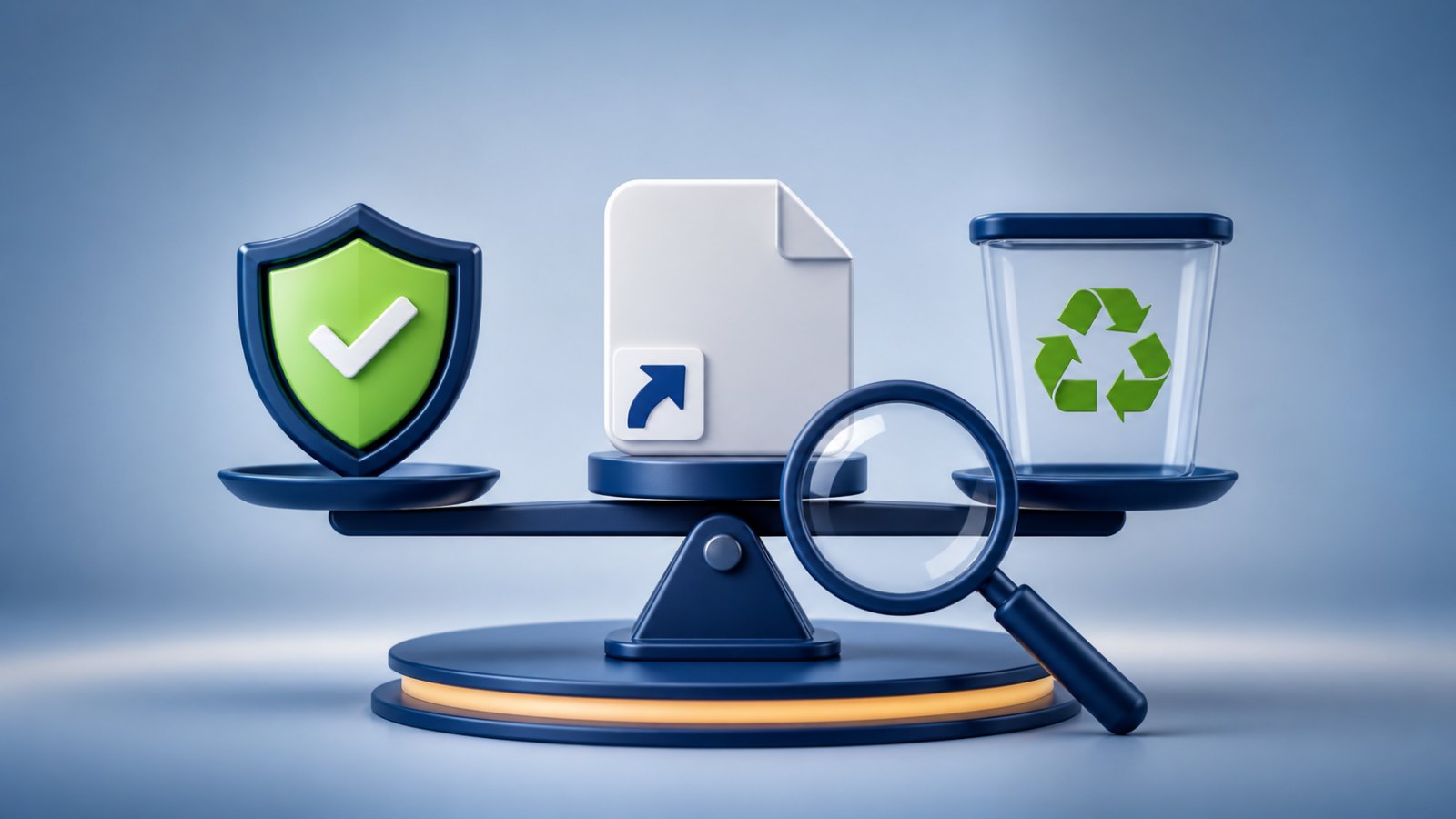
पहले समझें कि यह संकेत क्या बताता है
Shortcut target के साथ arguments, working folder और icon save कर सकता है। असली .lnk delete करने पर target file आम तौर पर नहीं मिटती।
सभी .lnk delete करने से Start Menu, Desktop और workflow खराब होंगे। Doubt हो तो quarantine recovery option देती है।
अब क्या करें
File extensions दिखाएँ, Properties और target inspect करें और backup लें। Identified links ही delete करें या पहले quarantine करें।
- अचानक दिखे अनजान shortcut पर double-click न करें।
- पहले USB drive को scan करें, फिर उस Windows PC को जाँचें जहाँ वह लगी थी।
- कुछ बदलने से पहले target, arguments और drive letter की पुष्टि करें।
- संदिग्ध item को तुरंत permanently delete करने के बजाय पहले quarantine करें।
- Scan पूरा होने के बाद files को फिर से visible करें और जरूरी documents को clean storage में copy करें।
जरूरी बात: attrib command files को visible कर सकती है, लेकिन चल रहे malware को हटाती नहीं। किसी video में दिखा drive letter बिना जाँचे इस्तेमाल न करें।
भारतीय Windows users के लिए आम शब्द
File Explorer type को अक्सर “Shortcut” दिखाता है। Name और icon folder की नकल कर सकते हैं, इसलिए सिर्फ appearance पर भरोसा न करें।
आम सवाल
Original file भी delete होगी?
Real .lnk हटाने पर आम तौर पर नहीं, लेकिन bulk cleanup से पहले type और target confirm करें।
क्या केवल pen drive साफ करना काफी है?
नहीं। अगर PC में infection बाकी है तो साफ USB लगाते ही shortcut दोबारा बन सकते हैं। Drive और source computer दोनों को scan करें।