 Shortcut Remover
Find the original in File Explorer
Browse to the document’s known folder, such as Documents → Budgets. Check its name and modified date to distinguish it from similarly named drafts. If the original is missing too, check Recycle Bin or the document’s backup before making a replacement link.
Create the replacement
Right-click the known original and use Show more options → Send to → Desktop (create shortcut), where available. Give the shortcut a name that identifies the intended copy. Check Properties to make sure its Target points to the original folder.
Review other links to the same file
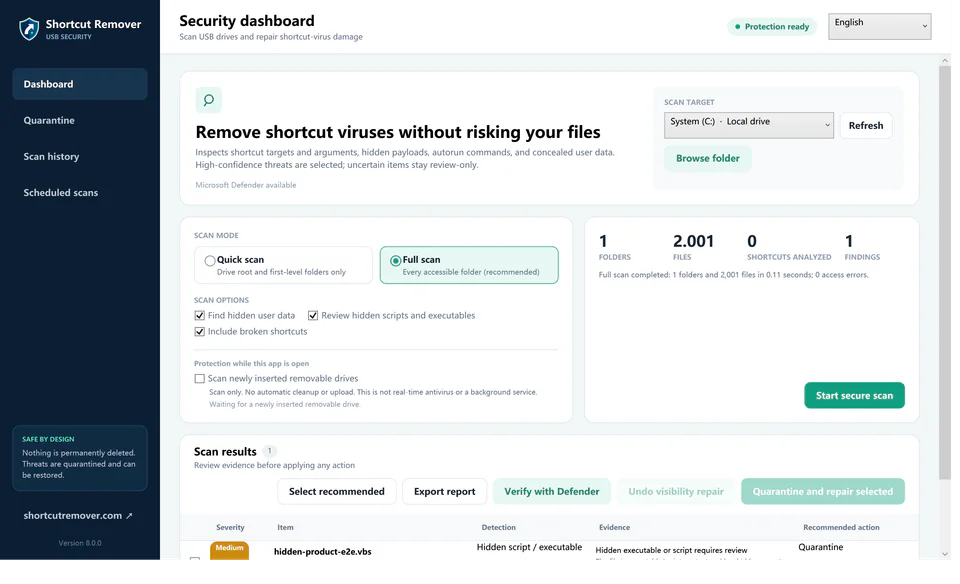
If the desktop has duplicate or stale links, Free Shortcut Remover can help inspect their targets as a group. Review each selected shortcut carefully before cleaning it up.