 Shortcut Remover
Identify the target on the old PC
Open the shortcut’s Properties and read its Target. For a personal document, transfer the original file through your usual backup or migration process. For an app, install a trusted copy normally on the destination PC.
Create the shortcut from the new location
Find the migrated document in File Explorer and create a desktop shortcut from that file. For an app, find the installed copy in Start. If Open file location is available, use the displayed app shortcut to create your desktop link.
Check for old paths after migration
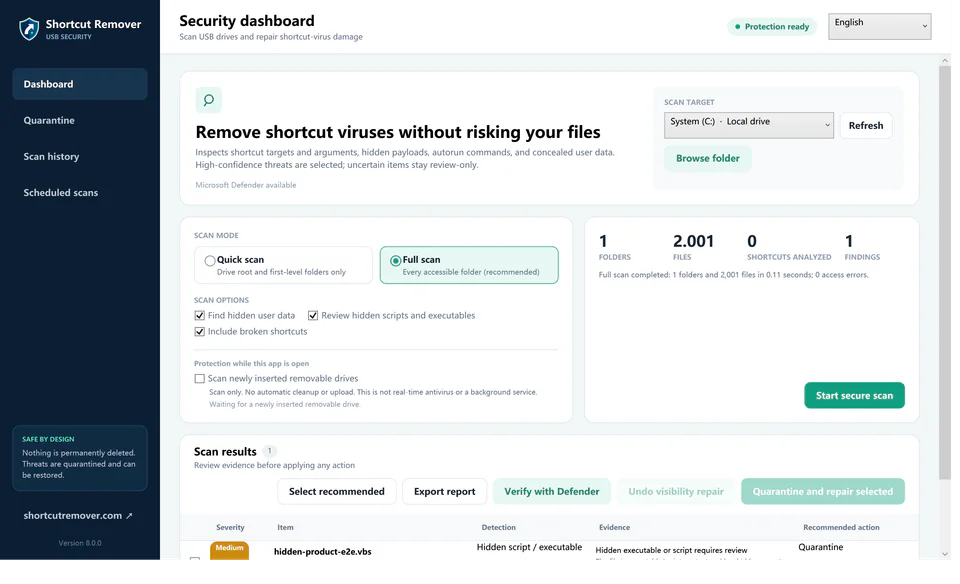
A copied shortcut may still refer to a user folder or drive letter from the first PC. Use Free Shortcut Remover to review any remaining migration-era links, and compare the targets against paths you recognize on the new machine.